Menu: View→Object Properties→Colors→Fill color
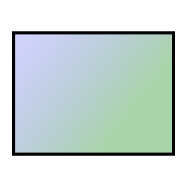
You can apply color gradients to rectangles and ellipses in a path diagram. A color gradient consists of a gradual transition of one color to another color. The following figure shows a color gradient that changes from blue to green.
To specify a color gradient for a rectangle or ellipse, you must specify two colors. You can obtain a solid color by specifying both colors to be the same.